
vRealize Log Insight Vulnerability Debugging Environment Setup
0x00 Preface
This article records the details of setting up a vRealize Log Insight vulnerability debugging environment from scratch.
0x01 Introduction
This article will introduce the following content:
vRealize Log Insight Installation
vRealize Log Insight Vulnerability Debugging Environment Configuration
Database Operations
0x02 vRealize Log Insight Installation
References: https://docs.vmware.com/en/vRealize-Log-Insight/index.html
1. Download the OVA File
Download Page: https://customerconnect.vmware.com/evalcenter?p=vr-li
You need to register an account first before downloading, then select the required version to download
2. Installation
(1) Import the OVA file into VMware Workstation
(2) Configuration
Access the configuration page at https://
Select Starting New Deployment and set the admin user password
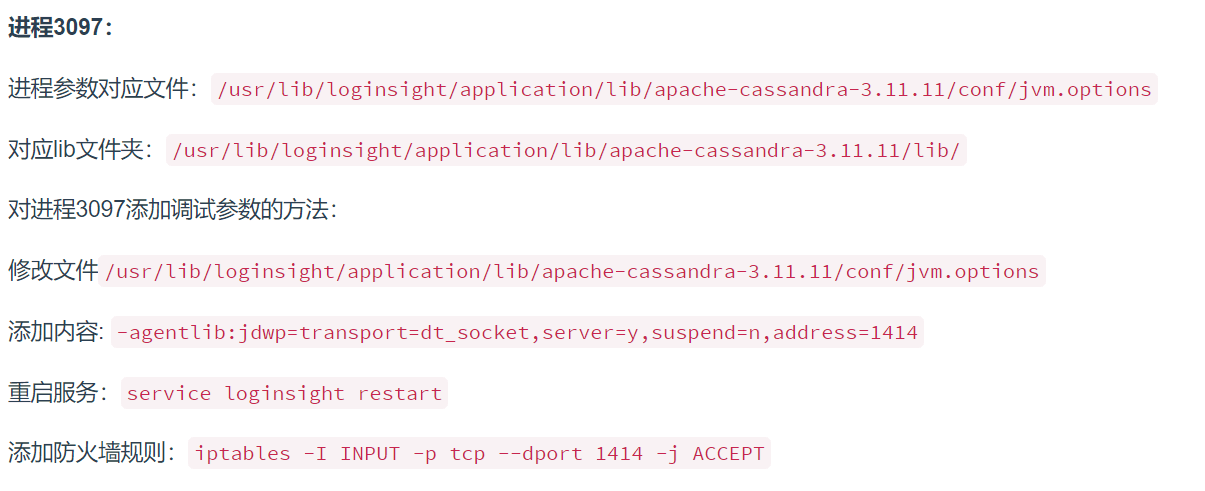
3. Enable remote debugging
(1) Check the status of all services
 The result is shown in the following figure
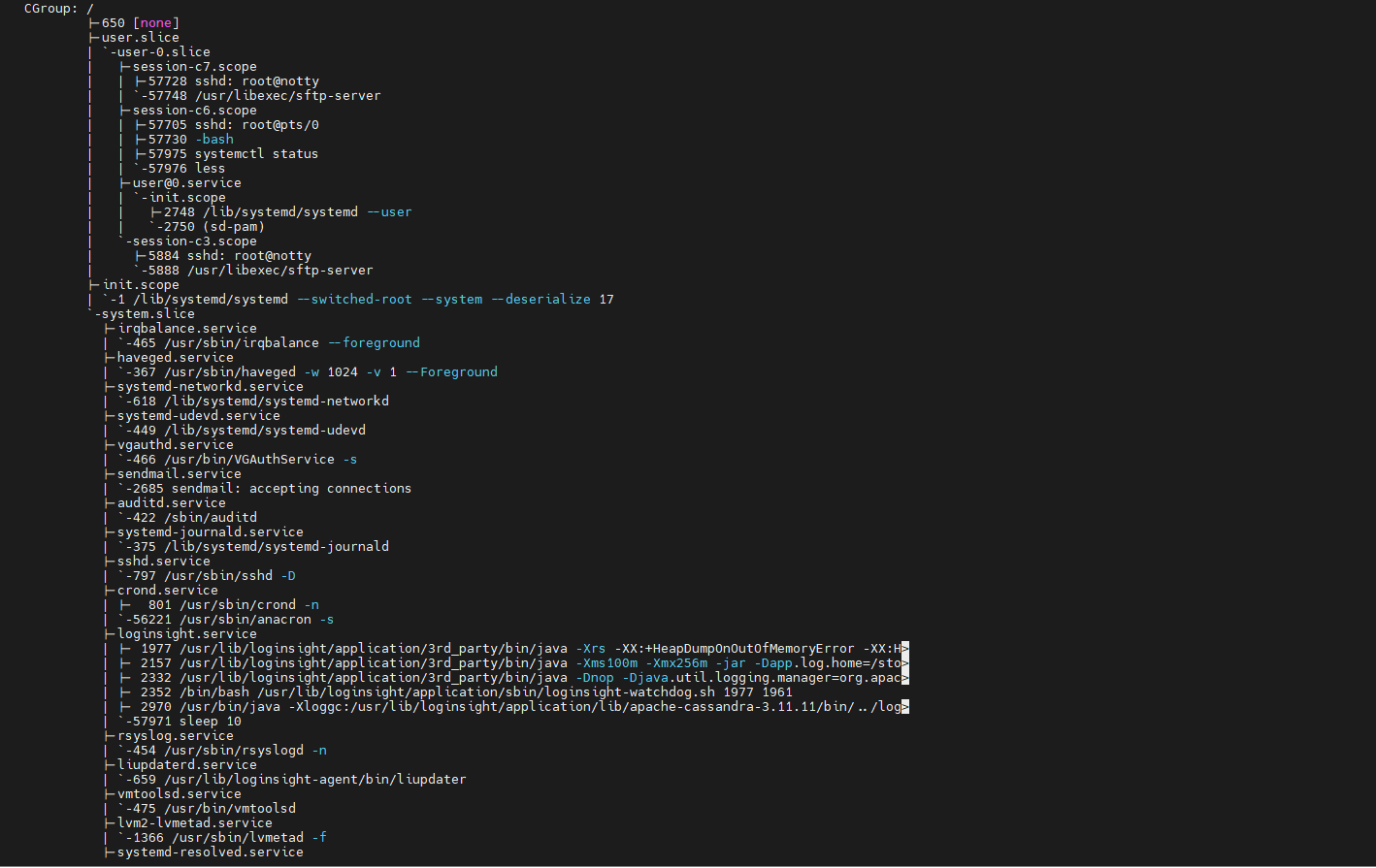
Locate the web-related service as loginsight.service
(2) View detailed information for loginsight.service

The result is shown in the following figure

Locate the service startup file: /usr/lib/loginsight/application/bin/loginsight
(3) View process parameters
Execute the command: ps aux|grep java
Returned result:
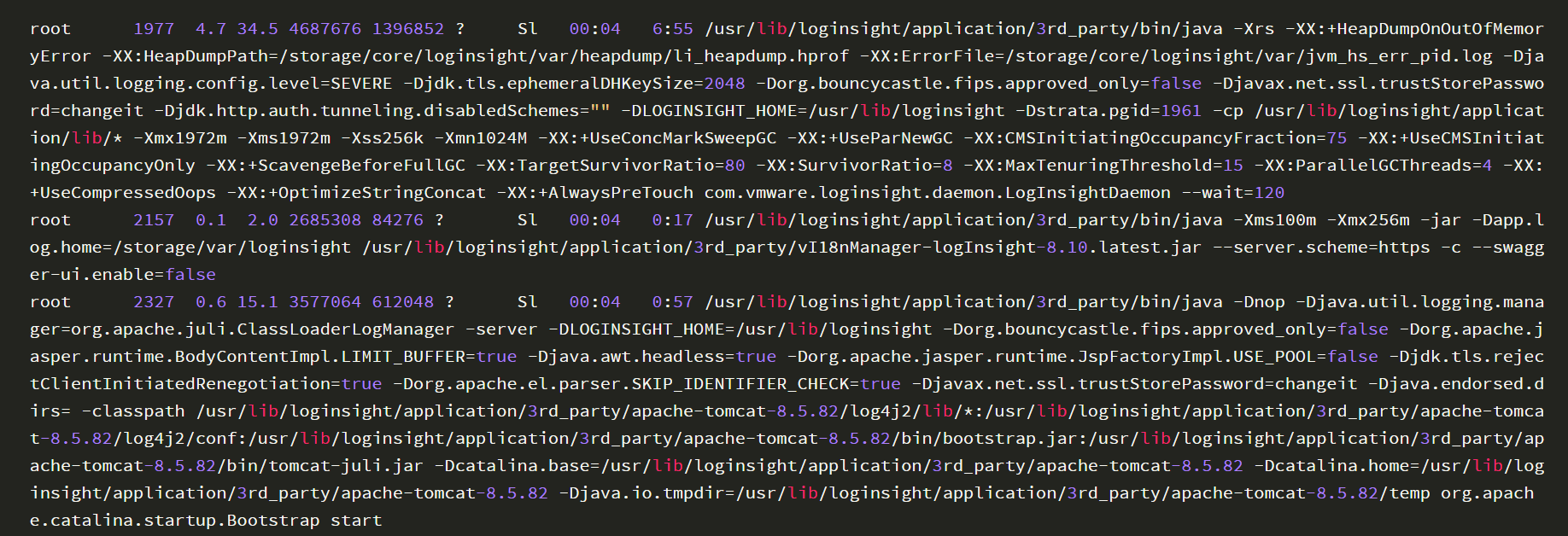
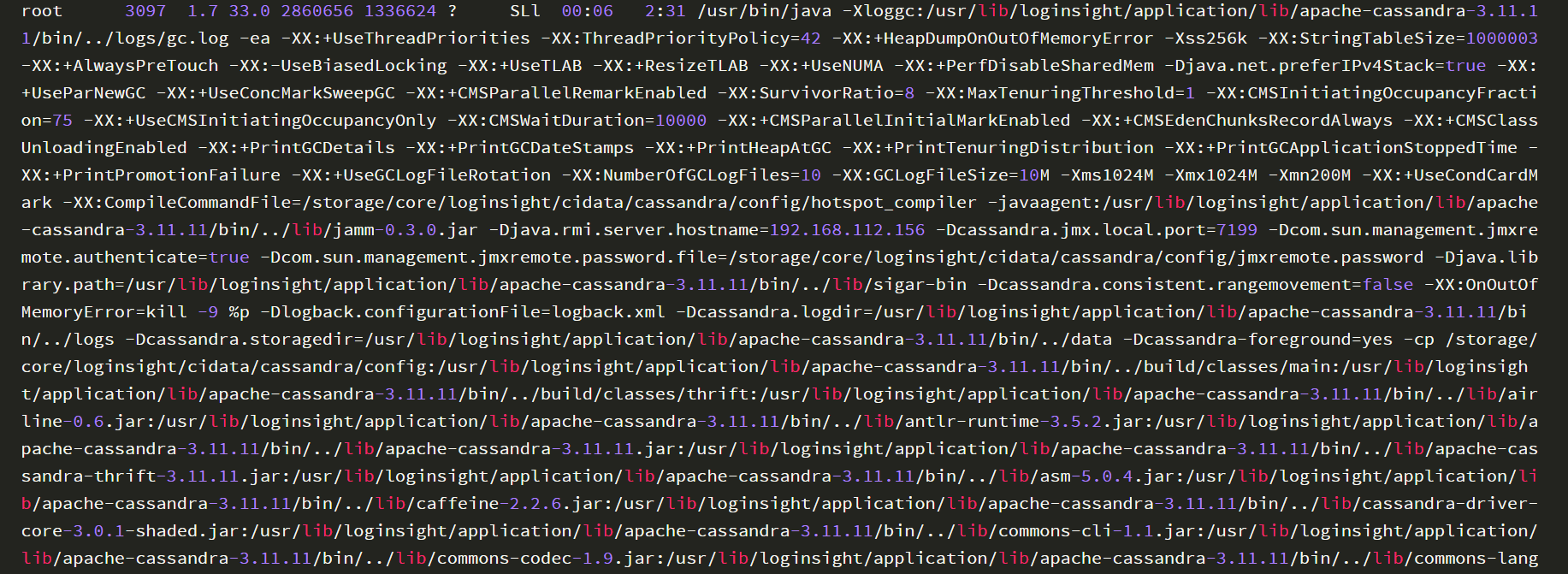
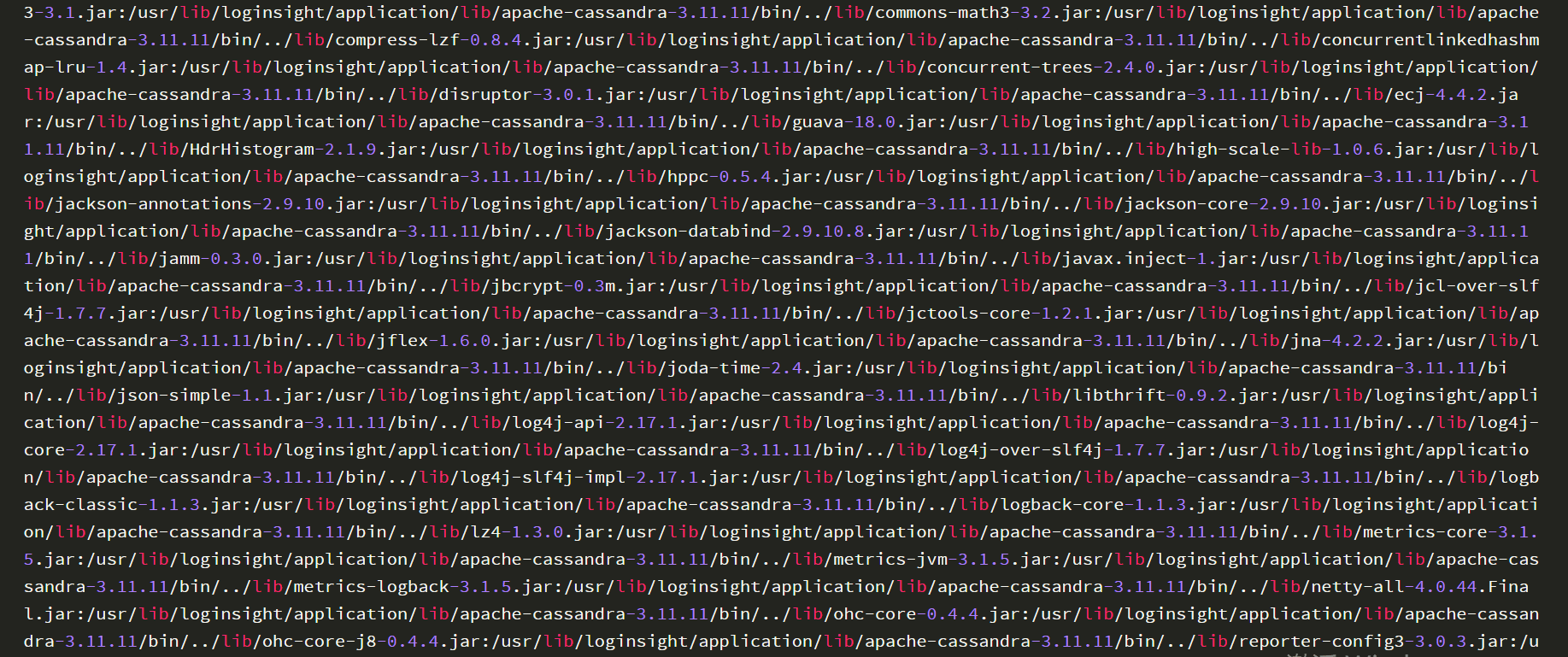
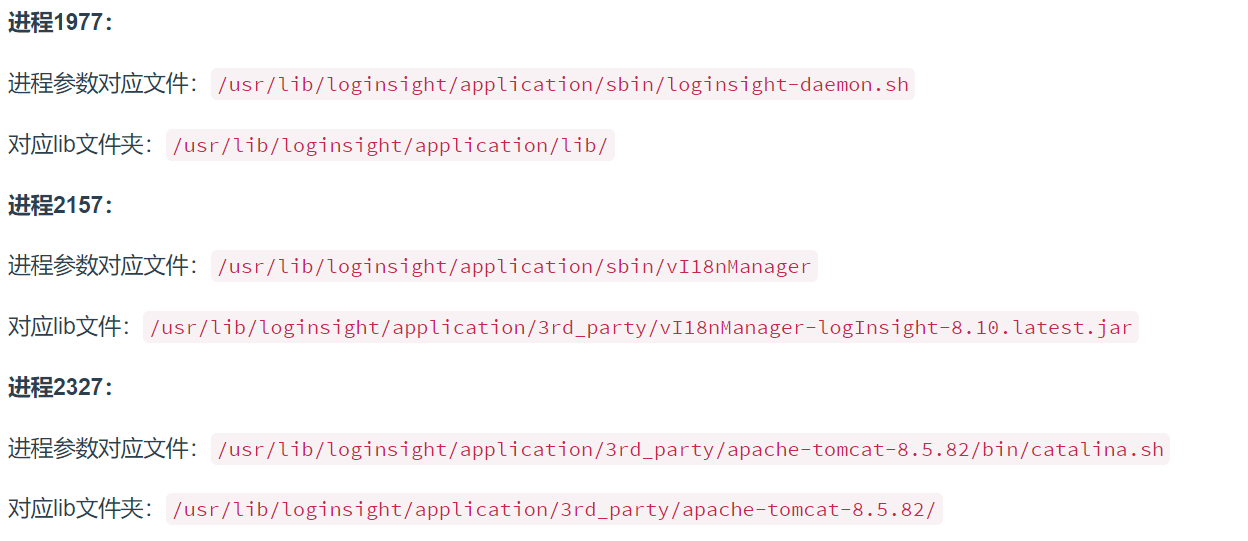
 Analysis of the result is as follows:
0x03 Database Operations
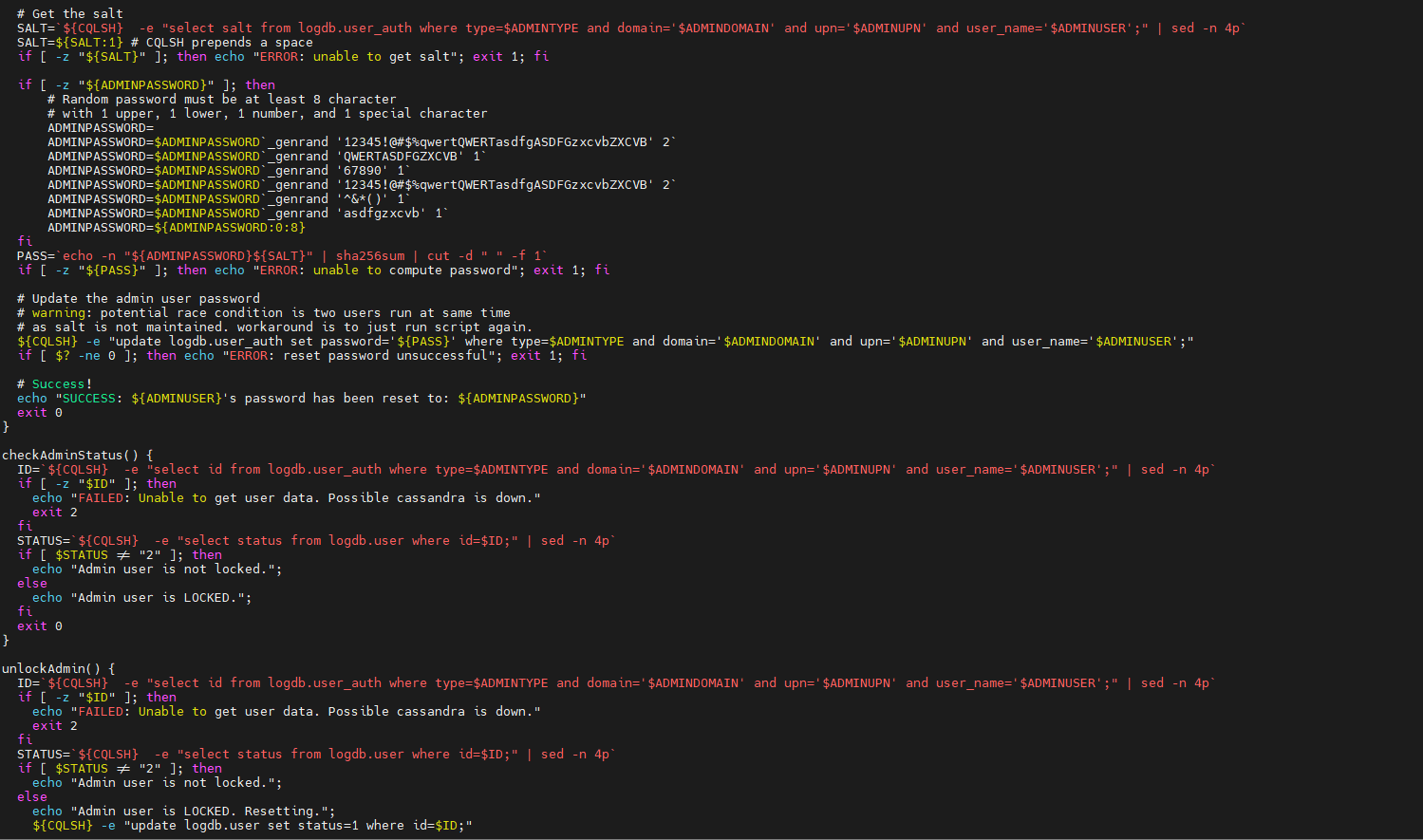
1. Reset the password for the web login user admin
Implementation file: /usr/lib/loginsight/application/sbin/li-reset-admin-passwd.sh
Relevant information about database operations can be obtained from the file, as shown in the following figure
2. Command parameters for connecting to the database
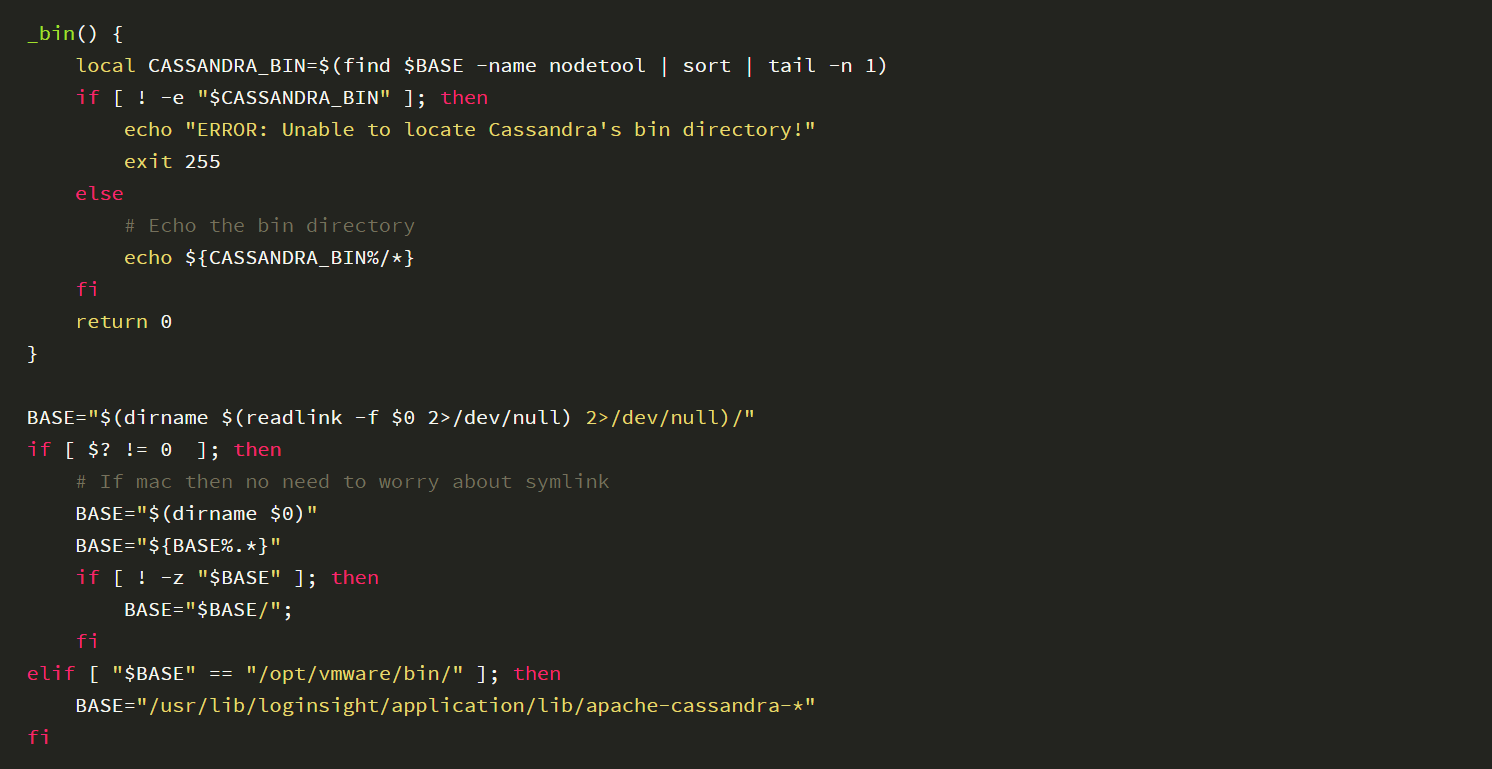
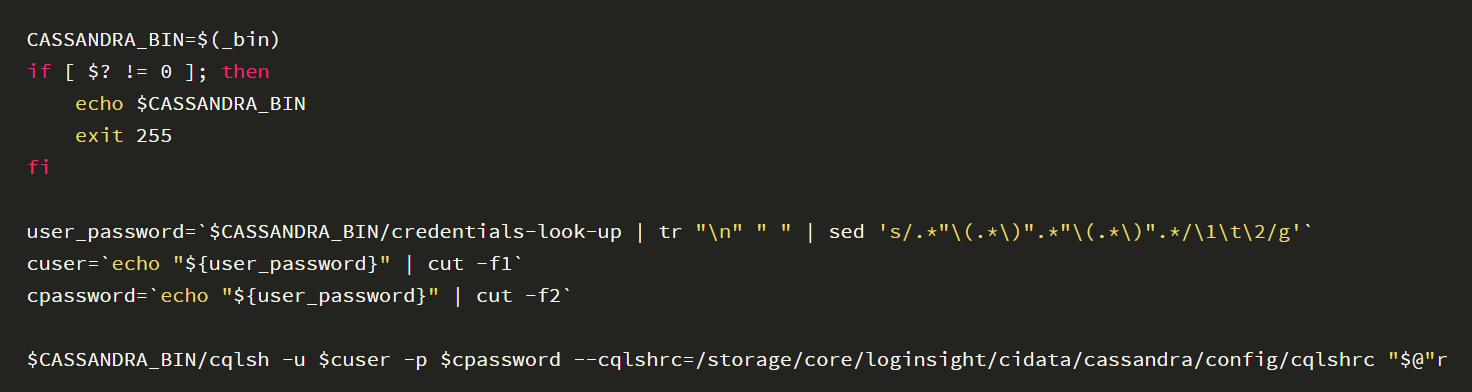
Implementation file: /usr/lib/loginsight/application/lib/apache-cassandra-3.11.11/bin/cqlsh-no-pass
The content of the file is as follows:

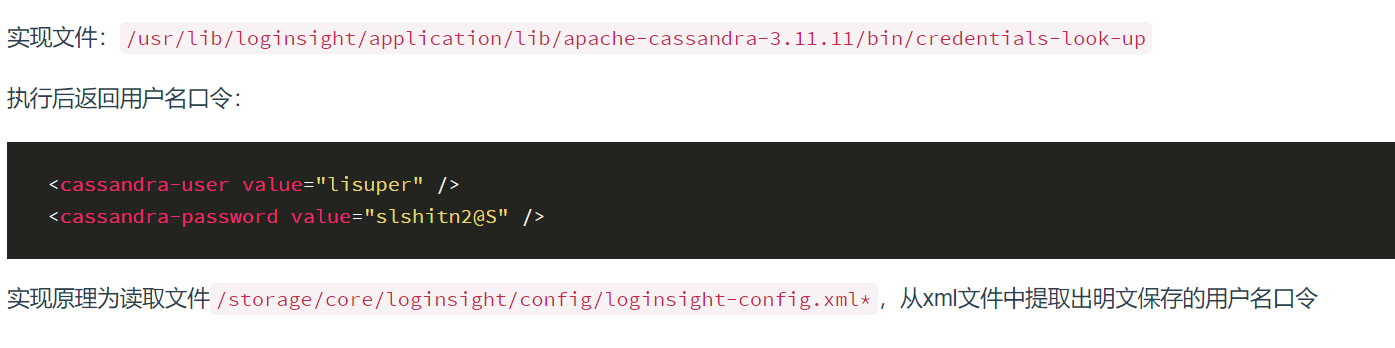
3. Username and password for connecting to the database
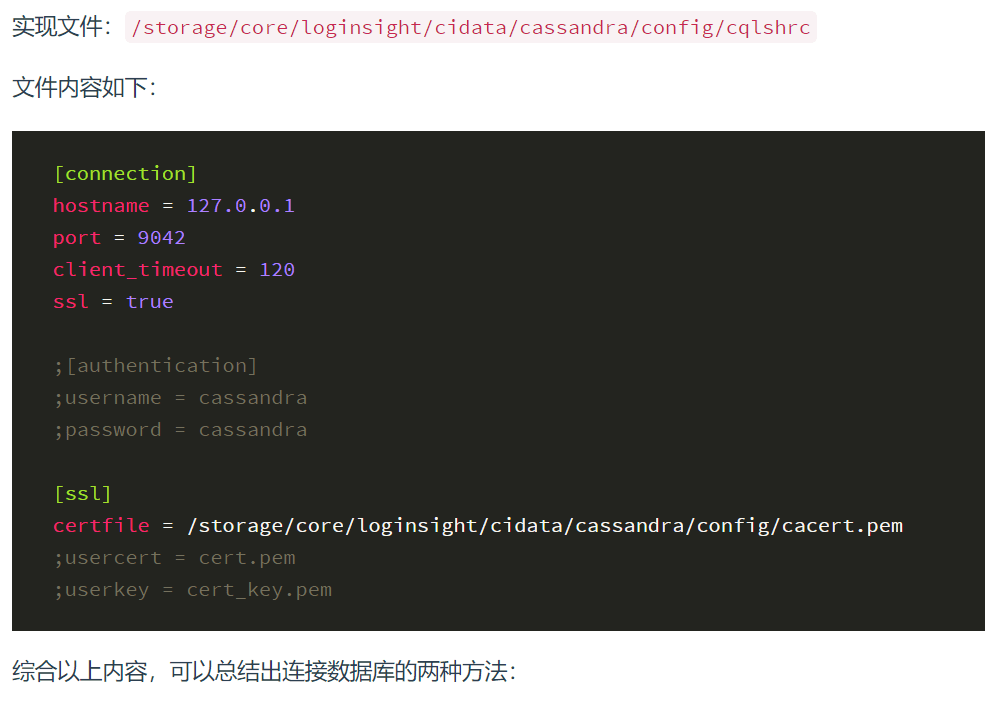
4. Configuration information for connecting to the database
(1) Use the file with encapsulated parameters

(2) Connect using parameters

From the returned result, it can be seen that the database uses CQL (Cassandra Query Language)
Command to query user configuration:

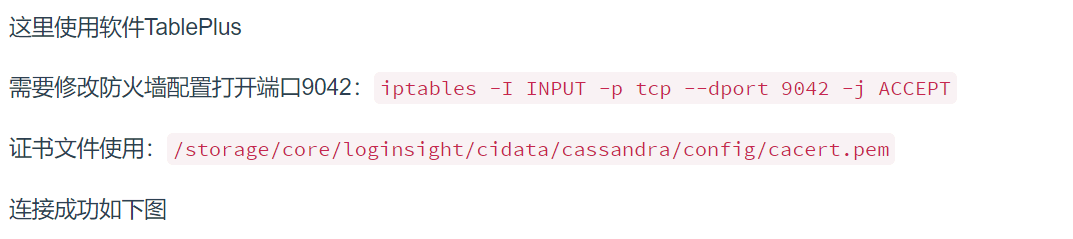
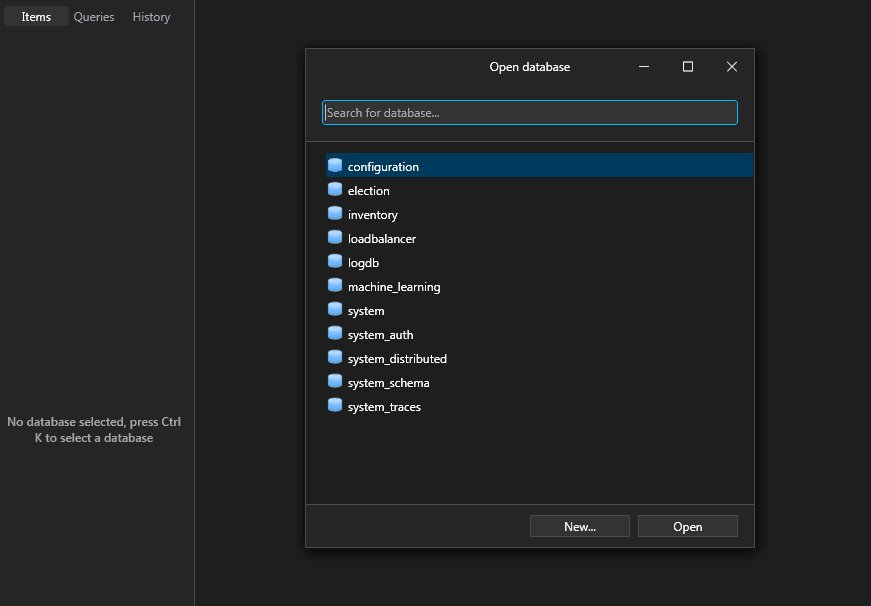
5. GUI-based database operation
0x04 Summary
After setting up the vRealize Log Insight vulnerability debugging environment, we can then start learning about the vulnerabilities


